In short. Your data comes in without a migration project: people and competency frameworks by file import, CVs read locally on the server, accounts tied to your directory (LDAP, Active Directory, OpenID Connect). Your documents stay where they are: Confluence, SharePoint, document management, Notion and intranet connect read-only.
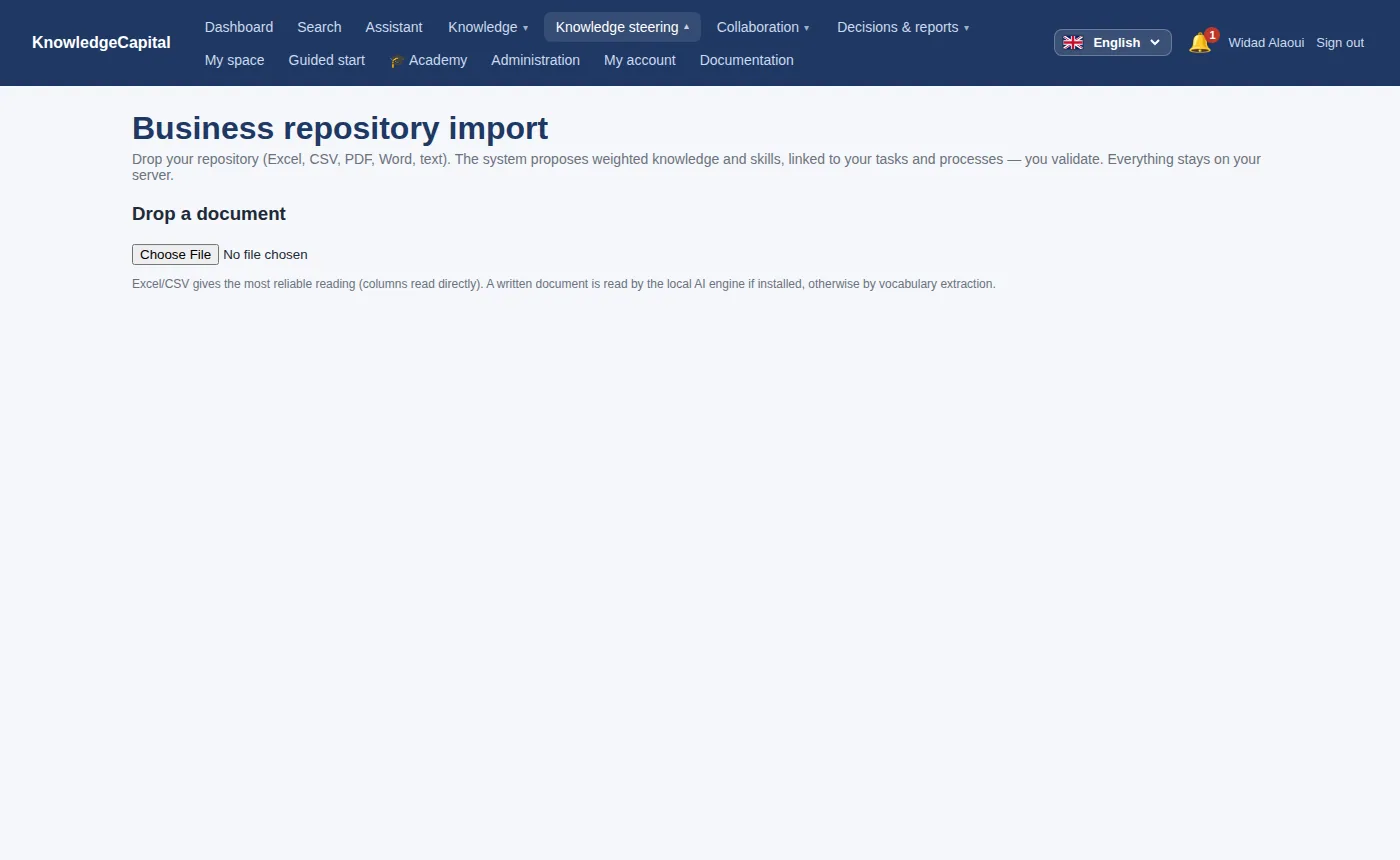
People
People can be added one by one, or imported from a file. The importer reads the columns it recognises and reports, line by line, what it could not interpret — it never silently drops a row.
Reference frameworks
If you already maintain a competency framework — a job matrix, a skills
repository, a training catalogue — it can be imported rather than retyped. The
Reference framework import screen accepts structured files and maps them
onto the competency → knowledge hierarchy.
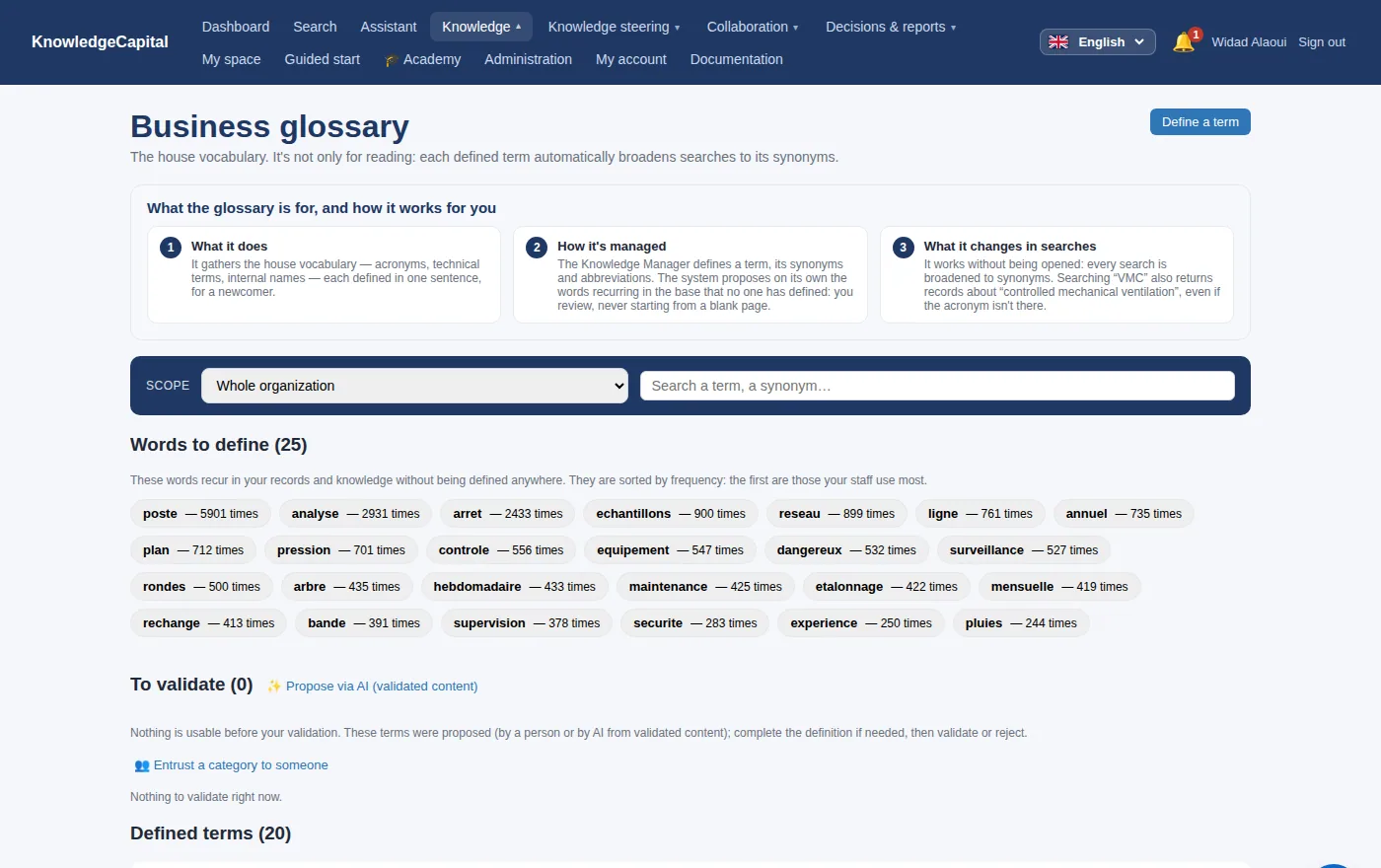
CVs
CVs can be read locally, on the server, to propose an initial mastery profile for a person. No CV is sent to an external service. The proposal is exactly that: a proposal, which a human confirms or corrects.
Your directory
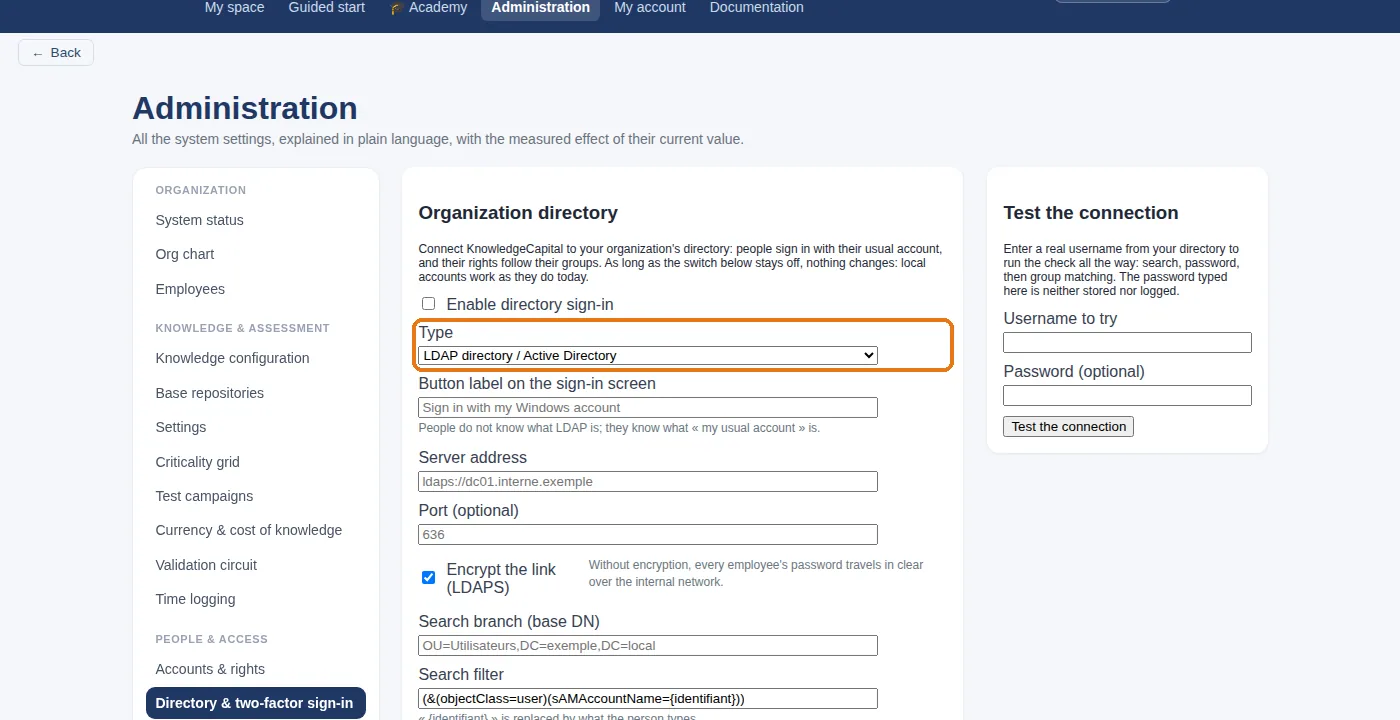
The identity module supports connecting to a corporate directory (LDAP / Active Directory) or to an OpenID Connect identity provider (Microsoft Entra ID, Okta, Keycloak…) so that people do not manage a second password. Where that is not available, accounts are local, with a forced password change on first login.
Your document systems
Your documents stay where they are. Six connectors are shipped, read-only: Confluence (Cloud, Server, Data Center), SharePoint and Microsoft 365 through Microsoft Graph, document management through CMIS 1.1 (Alfresco, Nuxeo…) or WebDAV (Nextcloud…), Notion, your intranet or website, and an inbound API for everything else. Pages read are proposed as attachments to measured knowledge; your knowledge manager confirms. Only Confluence can also receive validated sheets, if you tick it. Google Drive, GitLab wikis and ServiceNow are not available at this time.
A warning worth taking seriously. Importing three thousand people on day one produces a large and useless map: every mastery level is unknown, so every criticality is meaningless. Import the population of one process, assess it, and grow from there.
See also: SharePoint and knowledge management: the connector · Confluence and knowledge management: measuring the risk · Notion and knowledge management: measuring what is critical · Your first hour: a first real diagnosis · SharePoint knowledge base connector: setup and limits · DMS and knowledge management: Alfresco, Nuxeo, CMIS, WebDAV · Notion as a company knowledge base: a practical guide · Intranet knowledge management: map knowledge, no migration
Frequently asked questions
Do we have to migrate our documents into KnowledgeCapital?
No. The connectors read your documents where they are, read-only, and re-read only what has changed. Your teams keep working in their own tools.
Which systems can be connected today?
Confluence, SharePoint and Microsoft 365 through Microsoft Graph, a CMIS 1.1 or WebDAV document management system (Alfresco, Nuxeo, Nextcloud…), Notion, an intranet or website, and any other tool through the inbound API.
Are our CVs sent to an outside service?
No. CVs are read on the server that hosts your space. The proposed profile remains a proposal, which a person confirms or corrects.
Can we start without any file to import?
Yes. You can start from a clean space and enter everything on screen, process by process. The guide on setting up knowledge management from scratch describes the approach.