In short. The modules fall into three families. See the risk: org chart, processes and tasks, competencies and knowledge, knowledge at risk, structure health. Act: expertise network, a lessons-learned base validated by committee, communities, teams, academy, recruitment, connectors. Steer: objectives, adoption, audit, multi-site, reversibility.
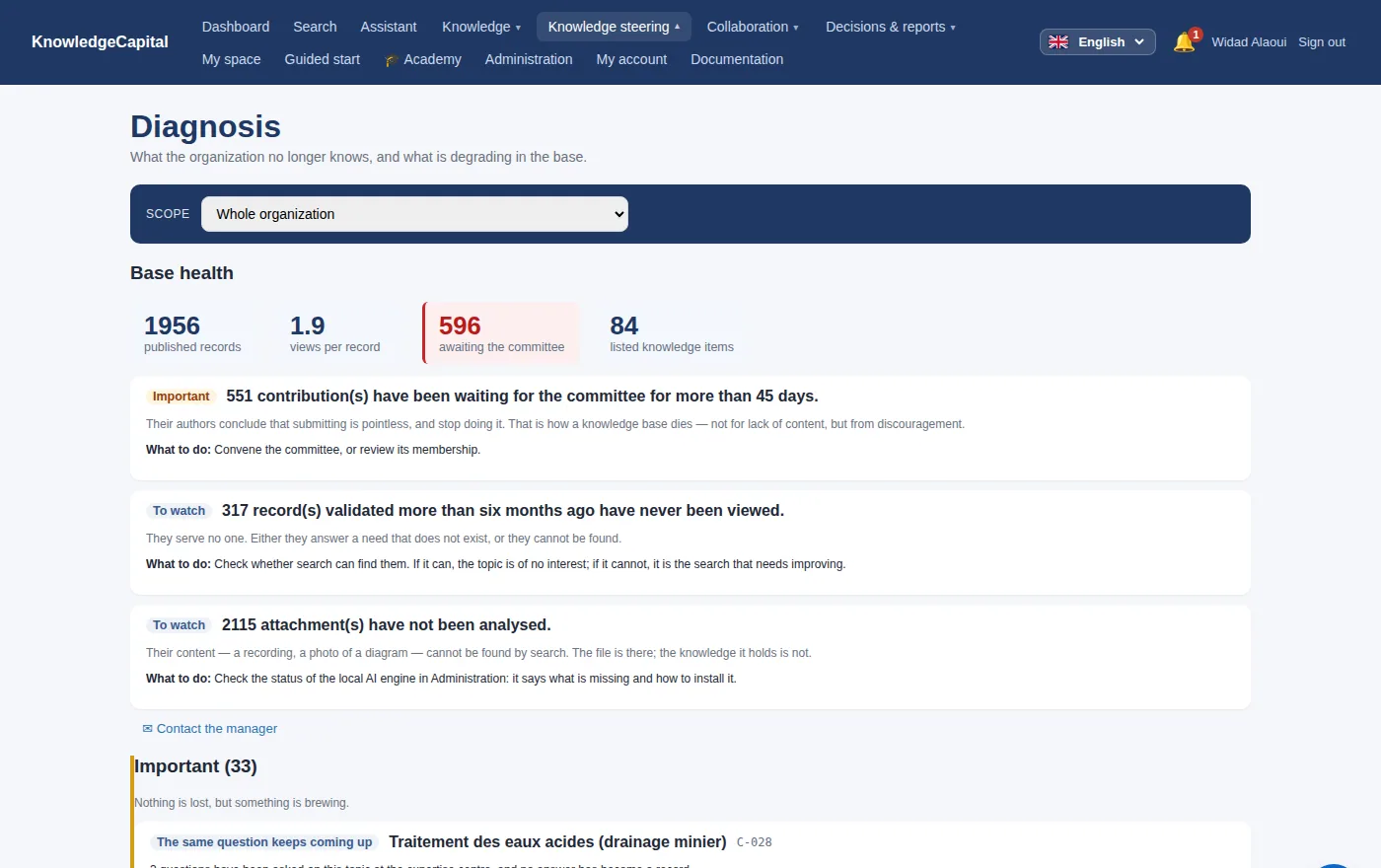
See the risk
| Module | What it does |
|---|---|
| Org chart | Structures, sites, and who belongs where. The backbone everything else hangs on. |
| Processes & tasks | Processes broken into weighted tasks, scored, and displayed as rings. |
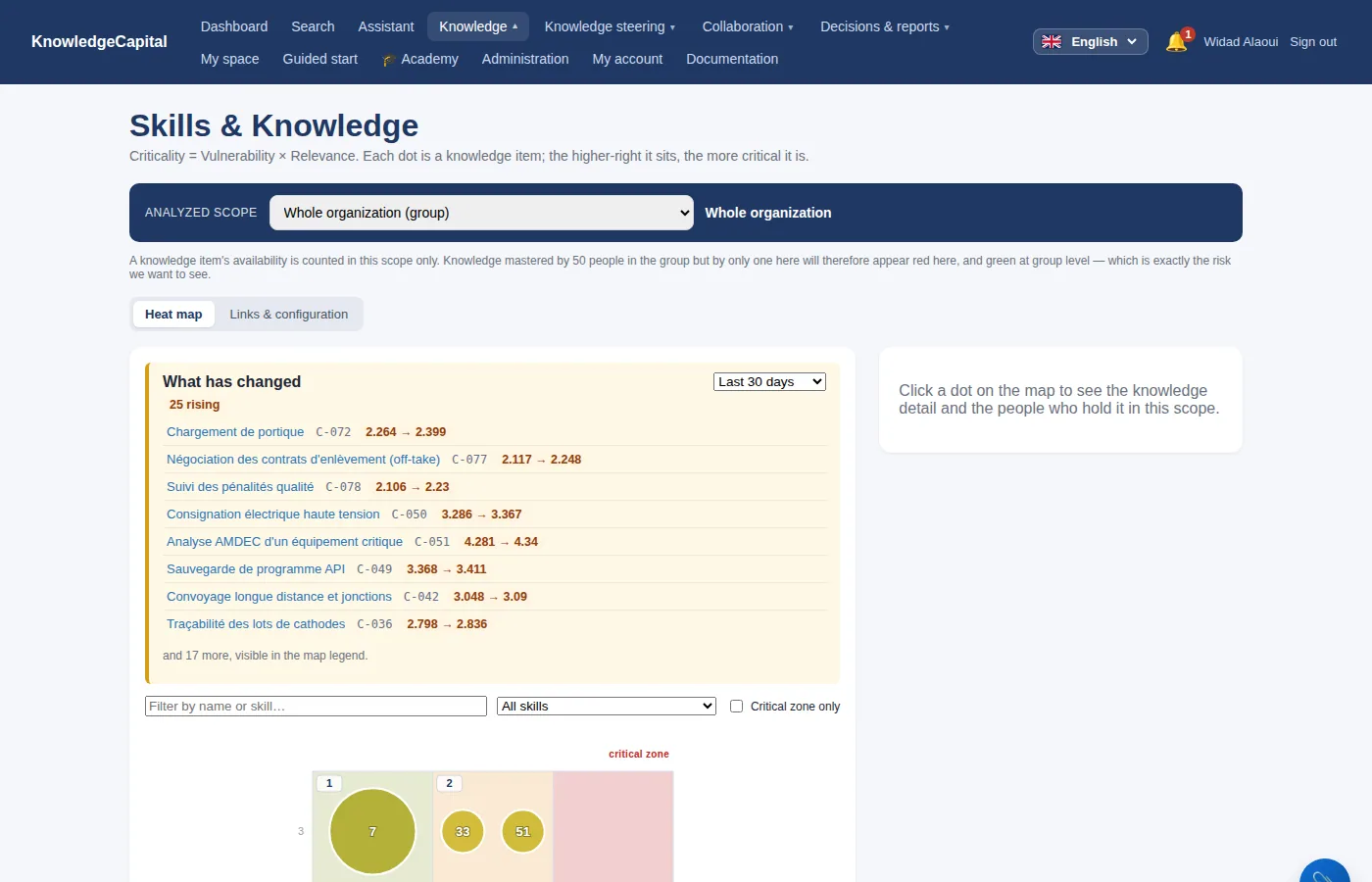
| Competencies & knowledge | The criticality engine: what is known, by whom, how exposed. |
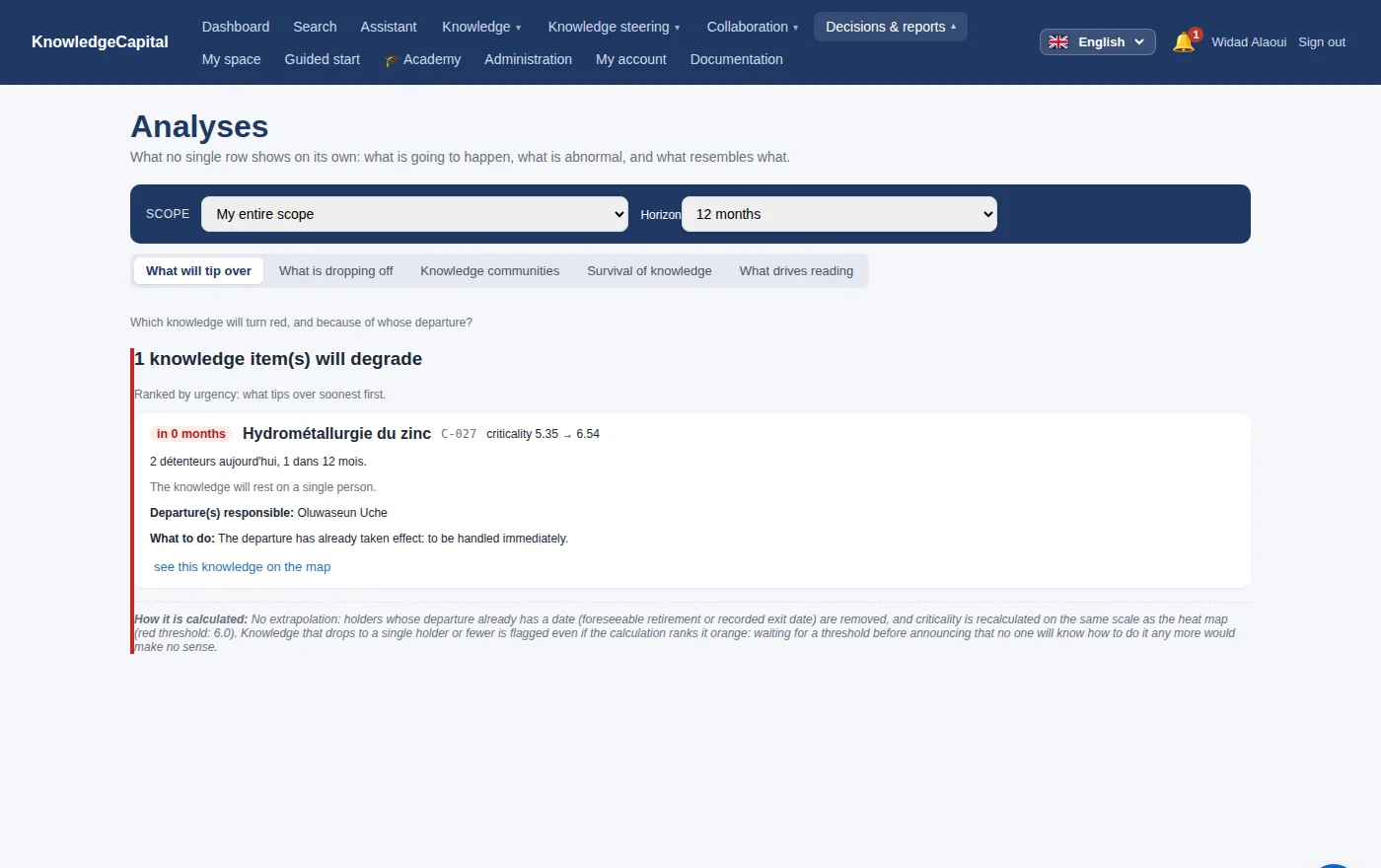
| Knowledge at risk | The short list that matters: high criticality, few holders. |
| Structure health | A per-structure score, with thresholds you set, so a site can be compared to another. |
| Reporting & analyses | The figures, exportable. |
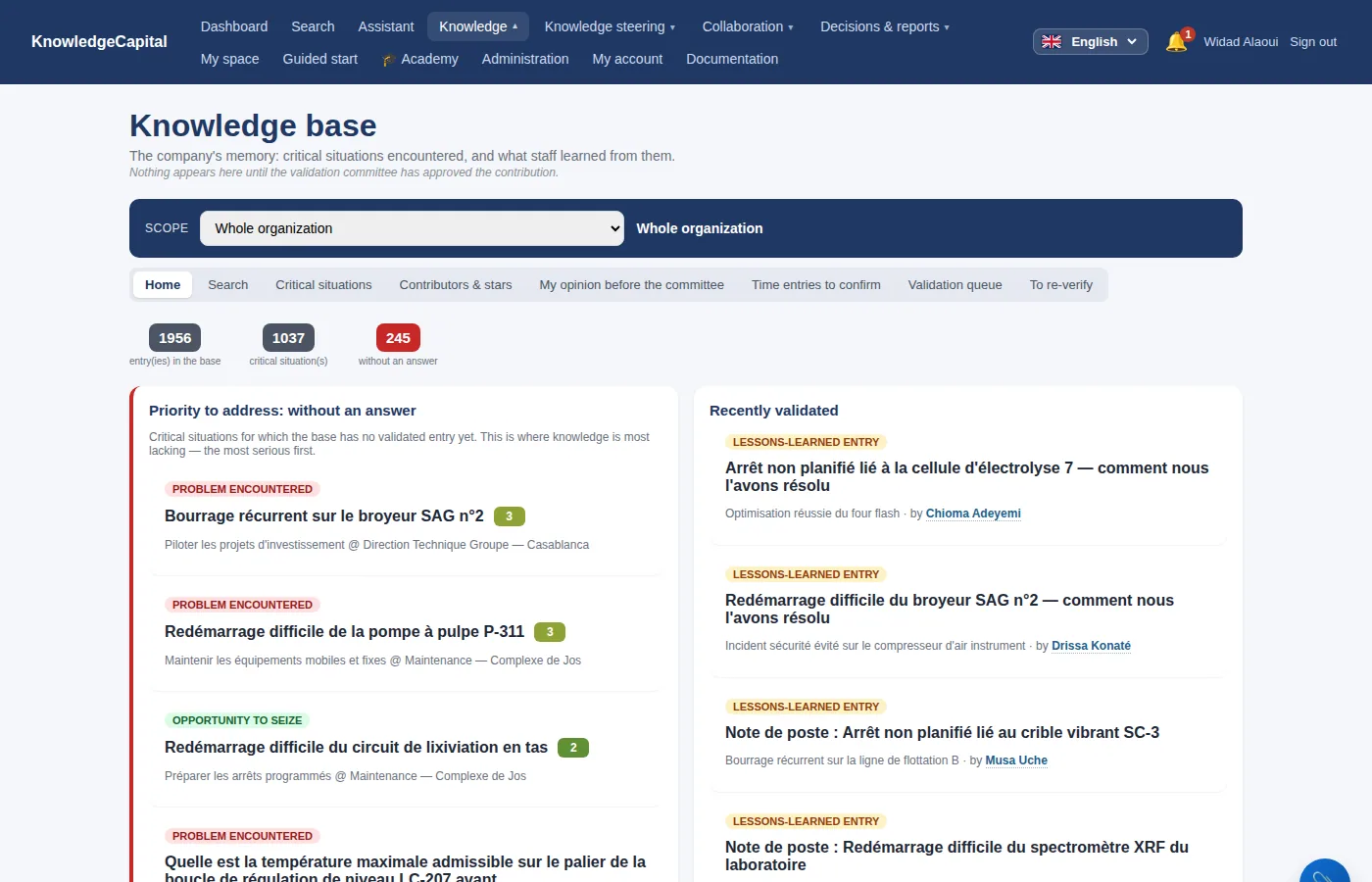
Act on it
| Module | What it does |
|---|---|
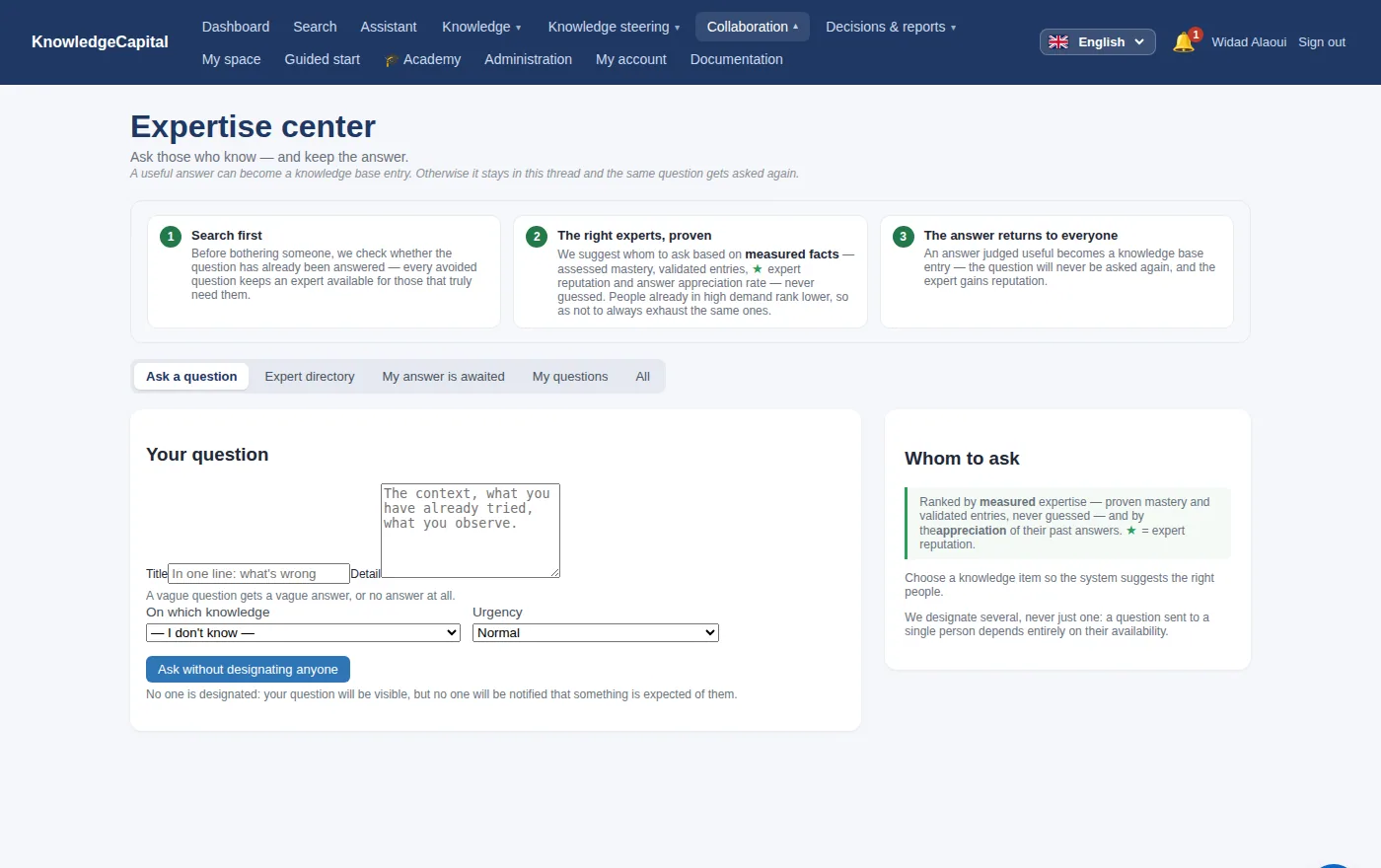
| Expertise network | A question is asked, routed to the people who can answer, and its answer is capitalised rather than lost in a mailbox. |
| Knowledge base / lessons learned | Contributions from the field. Nothing enters without validation: a committee reviews before anything becomes searchable. |
| Social network | Who actually consults whom. This second, invisible network reveals the people an organisation truly depends on — who are rarely the ones on the org chart. |
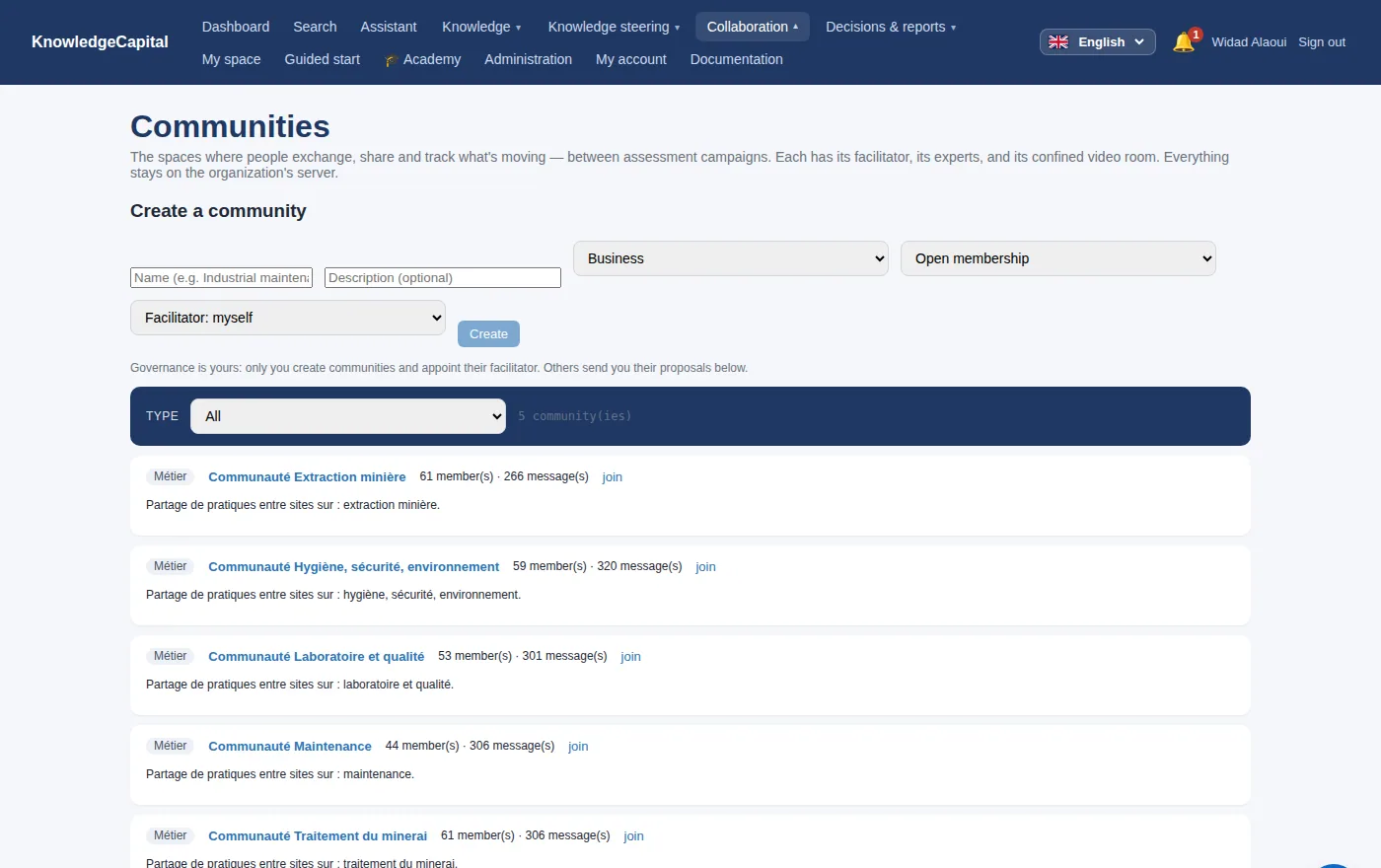
| Communities | Practice communities with a facilitator, members, meetings and video rooms. |
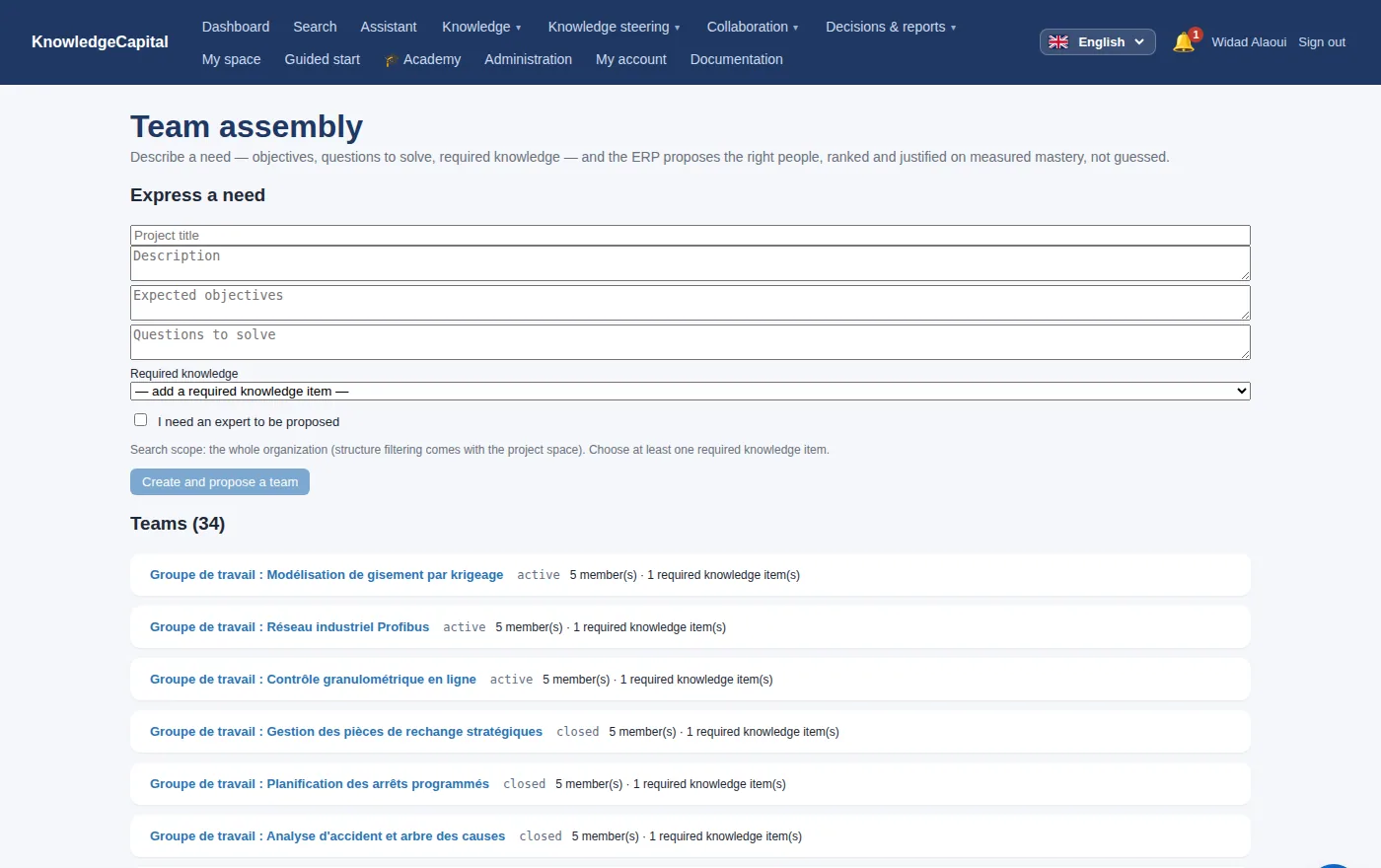
| Teams & projects | Working teams, their meetings, and a video room per meeting with automatic invitations and a reminder one hour before. |
| Academy | Training paths where level N+1 unlocks by passing the test for level N. Nothing is served until the owner has activated access. |
| Connectors | Confluence, SharePoint and Microsoft 365, document management (CMIS, WebDAV), Notion, intranet and inbound API, read-only: each document is attached to the knowledge it describes. |
| Recruitment | Cascade recruitment: internal candidates first, ranked on measured mastery; external CVs read locally, second. |
Steer
| Module | What it does |
|---|---|
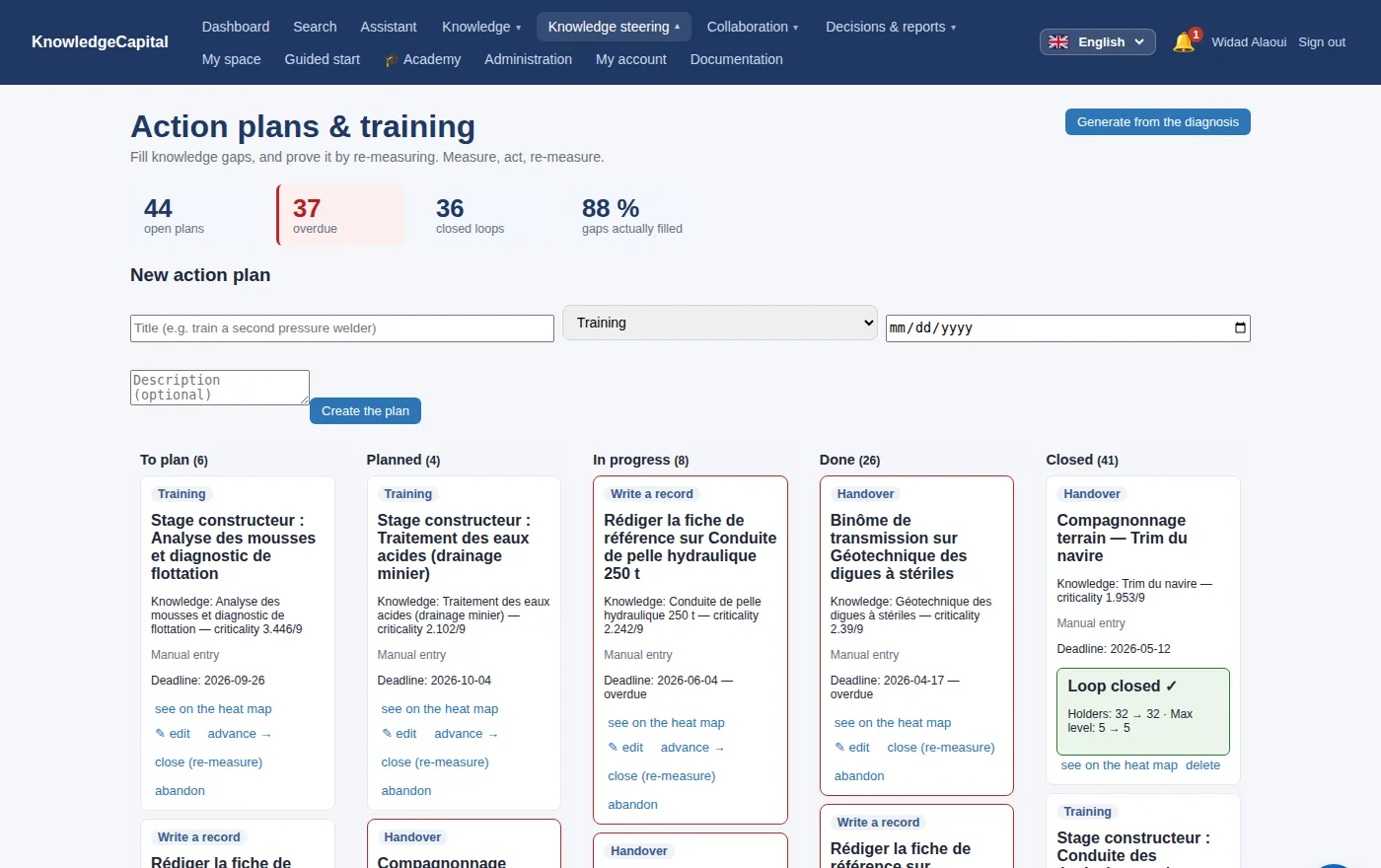
| Strategic objectives | Objectives with horizons that recompute themselves as time passes, rather than a label somebody must remember to update. |
| Adoption | Measures whether the tool is alive — who contributes, what is read, what has gone quiet — and nudges what sleeps. The real risk is not that the system breaks; it is that it fades. |
| Audit trail | Who did what, when. Not optional and not erasable. |
| Multi-site federation | Several servers, paired by code, each keeping its own data. |
| Reversibility | Full export of a space — data and media — and re-import elsewhere. See Reversibility. |
When a module is not in your plan
Not every module above is open to every subscription. Those under Act require the Professional plan, as do Reporting & analyses, Strategic objectives and Adoption; those under Steer — Multi-site federation, GDPR register, Change journal — require the Organisation plan. Sovereign mode (installed on your own machines) has them all.
What happens then is deliberately quiet: the menu entry does not appear. Not greyed out, not padlocked — absent. That is a choice: a menu full of closed doors wears out the person working. But it has a downside, and that is why this paragraph exists: you look for a tab this documentation describes, and you cannot see it.
To tell the two possible causes apart — the subscription or your rights — open the screen by its address: add ?onglet=multisites (or rgpd, tracabilite, sources) to the administration address. The screen answers in plain words: “it belongs to the … module, which is not included in your plan”, or “it requires a right your account does not hold”. In the first case your customer area decides; in the second, your administrator.
The block itself sits in the server, not the screen: calling the API directly gets around nothing. A module outside the plan answers 403 with the same sentence — that is what makes a subscription mean something.
See also: Knowledge criticality: how it is computed · The Academy: knowledge management training · Self-hosted video conferencing for knowledge transfer · Sealed meeting minutes, drafted from the recording · Reversibility: export all your data · Lessons learned software with validation · Internal expert network: find who knows · A knowledge ERP: what your ERP does not manage
Frequently asked questions
Are modules outside my plan visible?
No: their menu entry does not appear. Opened by its address, the screen says plainly whether the plan lacks a module or your account lacks a right.
How does a lesson learned enter the base?
It is proposed from the field, then reviewed by a committee. Nothing becomes searchable without validation.
Does recruitment favour internal candidates?
Yes. Cascade recruitment first ranks internal candidates on their measured mastery; external CVs, read locally, come second.
Which plan has the connectors?
The Professional plan, with the other modules of the Act family. The Organisation plan and the sovereign edition include them too.